3.jpg)
Published March 7, 2025
How To Protect Your Smart Home From Hackers By Realtor.com

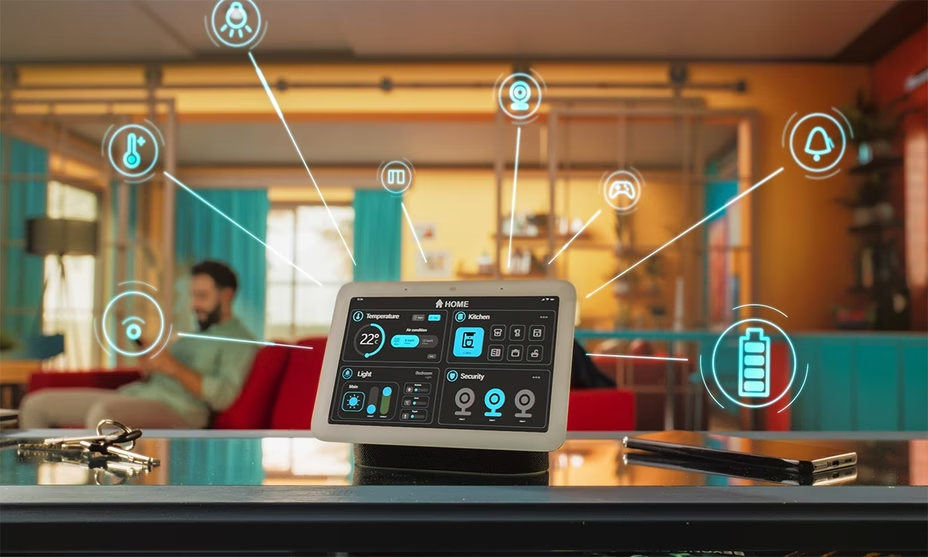

There's been a major uptick in smart-home technology over the past few years—and it's not just a modern luxury; it's a wise investment for your home's future resale value.
"Smart-home technology is becoming the standard," says Stephen Boyce, CEO of The Cyber Doctor in Ashburn, VA.
"The demand for a home to be either smart-home-ready or equipped will be a major selling point for many."
However, smart homes do have potential drawbacks, particularly if they are vulnerable to security breaches.
Can a smart home be hacked?
While there are many advantages to having a smart home—including convenience, security, and energy efficiency—there are also scenarios in which smart-technology can be compromised.
Password hacking is the top avenue hackers use to gain access to smart-home technology.
"Hackers can exploit weak or default passwords, allowing them to gain access to devices," says Amad Agrawal, an applied scientist at Amazon Lab126, who works on technologies for Amazon's smart-home ecosystem. "Once compromised, these devices can allow unauthorized physical access to your home or disable monitoring systems intended to keep you safe."
Hackers can also obtain your passwords through phishing—a tactic in which they send fraudulent emails pretending to be from a trusted company in an attempt to deceive you into disclosing your credentials.
Another way for hackers to gain access to your smart home is by breaching unsecured Wi-Fi networks, exploiting software or firmware flaws in devices, or infecting smart devices with malware.
How common is smart-home hacking?
Smart-home hacking "is becoming increasingly common as the number of connected devices grows," says Agrawal.
And smart doorbells and cameras are the ones that get hacked into the most, according to Chris Wilson, owner of Central Coast Audio Visual in Carpinteria, CA.
In July of 2024, Ausharee McLeod of Killeen, TX, told KCEN-TV that a man hacked into a Ring camera inside her 5-year-old son's bedroom and whispered "Hey!" in the middle of the night.

McLeod said at the time that her son had fear in his eyes, and instantly called out for his daddy.
When McLeod filed a report with her local police department, she said, "They did say that sometimes people that hack into your Wi-Fi are near you. So that's the scary part as well ... knowing that this person is likely close to us."
How to keep your smart home secure from hackers
Because securing your smart home from hackers requires a multilayered approach, there are a number of preventive steps you can take to keep your smart home safe.
Use strong passwords. "Strong passwords are critically important for protecting your smart home, as they serve as the first line of defense against unauthorized access," says Wilson. "Start by using strong, unique passwords for every device and online account—and never use default usernames or passwords."
Enable two-factor authentication. "Two-factor authentication, or 2FA, adds a critical layer of protection by requiring a secondary form of verification—such as a code sent to your phone—alongside your password," says Agrawal. "This means that even if a hacker manages to steal your password, they would still need access to your second authentication method to gain entry."
Be smart about who you share your smart-home info with. Be careful about who you provide with unfettered access to your smart home, including neighbors, acquaintances, or third-party contractors, warns Boyce.
When using Wi-Fi, use reputable cloud services that offer end-to-end encryption. "This ensures that your data is protected both in transit and at rest," says Agrawal. "Look for providers with a strong track record in cybersecurity and those that offer features like zero-knowledge encryption, where only you hold the decryption key."
Use hardwired internet connections when possible. "Wi-Fi-enabled smart locks, cameras, and security systems can get disabled by a Wi-Fi blocker," says Wilson. "Hardwiring as much as you can is strongly suggested."
Update your software. "Keeping your smart home’s software updated is crucial because updates often contain patches that fix security vulnerabilities," says Agrawal. "Regular updates also improve device performance, add new security protocols, and sometimes introduce privacy enhancements."
Have a plan in place. "If you have a smart-home system, a maintenance plan is critical to ensure your home continues to operate safely and securely for years to come—just like you’d anticipate with landscaping, pool maintenance, or housekeeping responsibilities," says Wilson.
"Call Eli Torres at (832) 430-2107, for your home buying and selling needs."
Source: www.realtor.com